
AI-Powered Document, File and Text Comparison Tool
Compare documents, files, and text across multiple formats with AI-powered diff analysis. LineDiff supports Word, PDF, Excel, and text-based files for use cases in legal, finance, healthcare, publishing, and software workflows.
Essential Comparison Tools
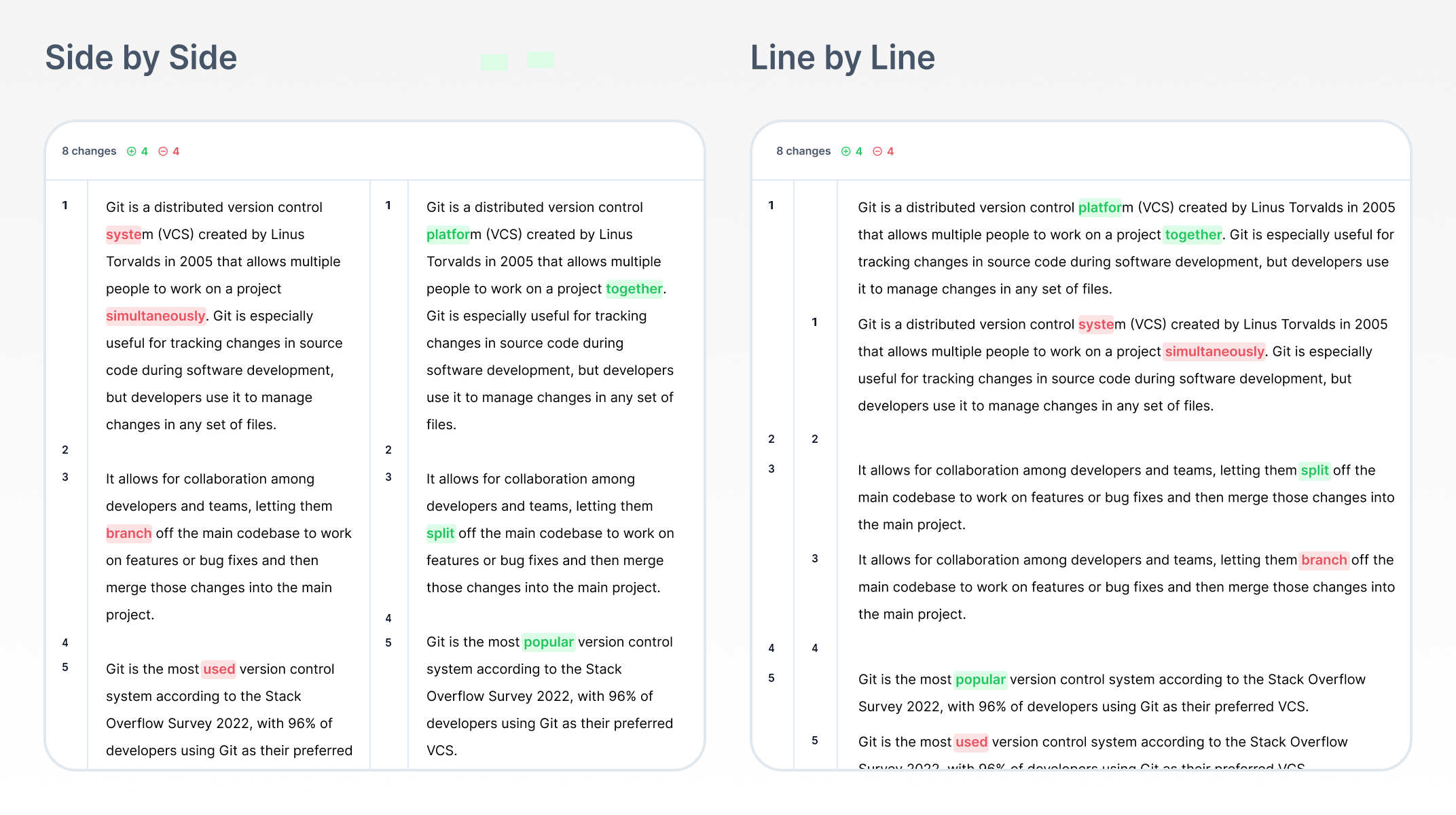
Clear Text Comparison
Use the side-by-side view to easily identify differences between two texts simultaneously for a fast and clear visual comparison. Switch to line-by-line mode to closely examine specific changes and ensure no detail goes unnoticed.
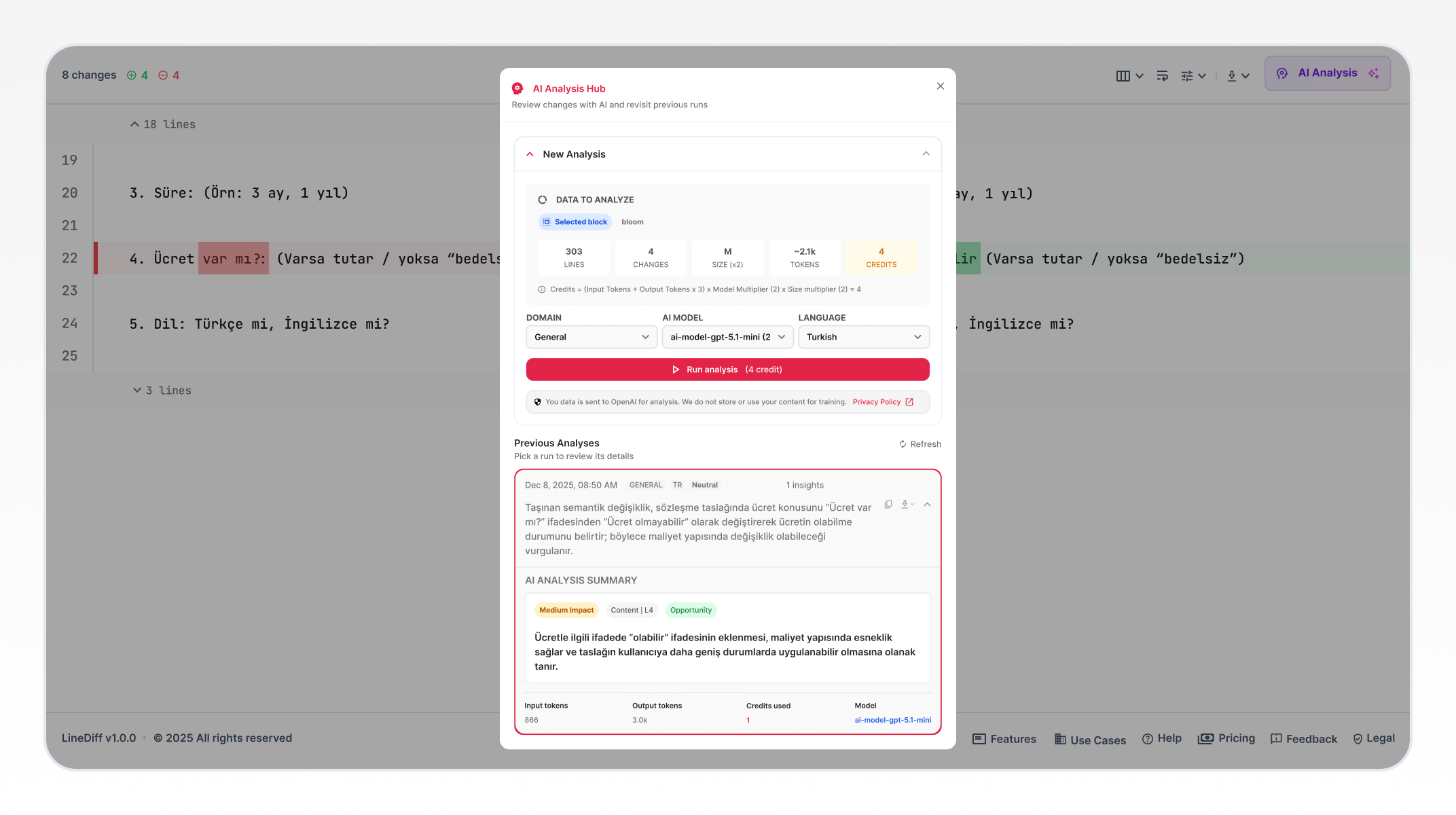
Explain your Diff results with AI
Use AI to automatically explain your diff results with clear, human-readable summaries. Instantly understand not only what changed between versions, but also its semantic meaning, how it affects context, and why it matters across your documents, code, and text files.
AI-Powered Analysis
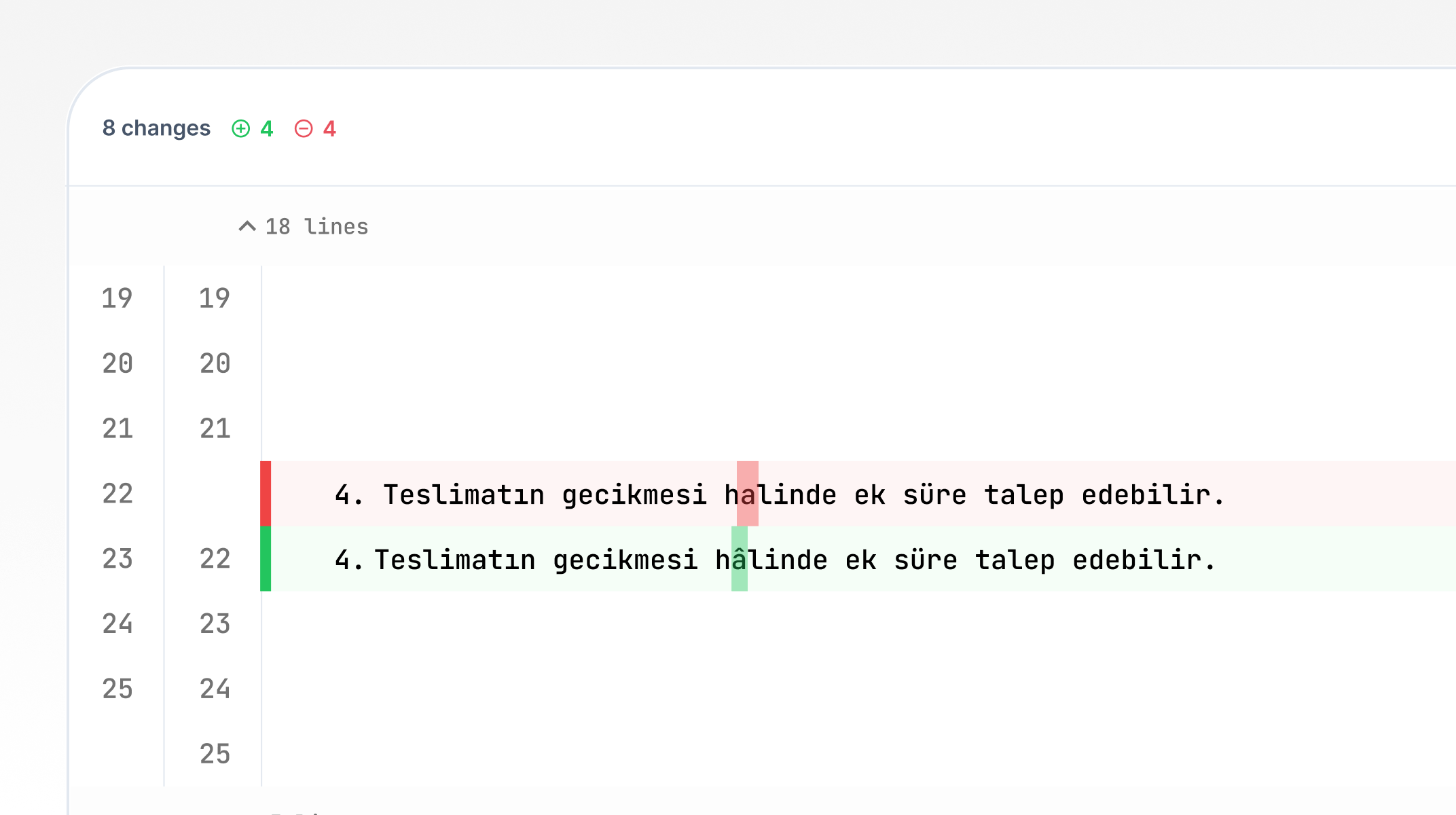
Smart Detection of Case, Accent, and Character-Level Changes
LineDiff detects subtle text variations including case changes, accents, diacritics, and character-level differences. This ensures precise comparison results for legal, financial, and technical workflows where even the smallest change can alter meaning.
Customization & Control
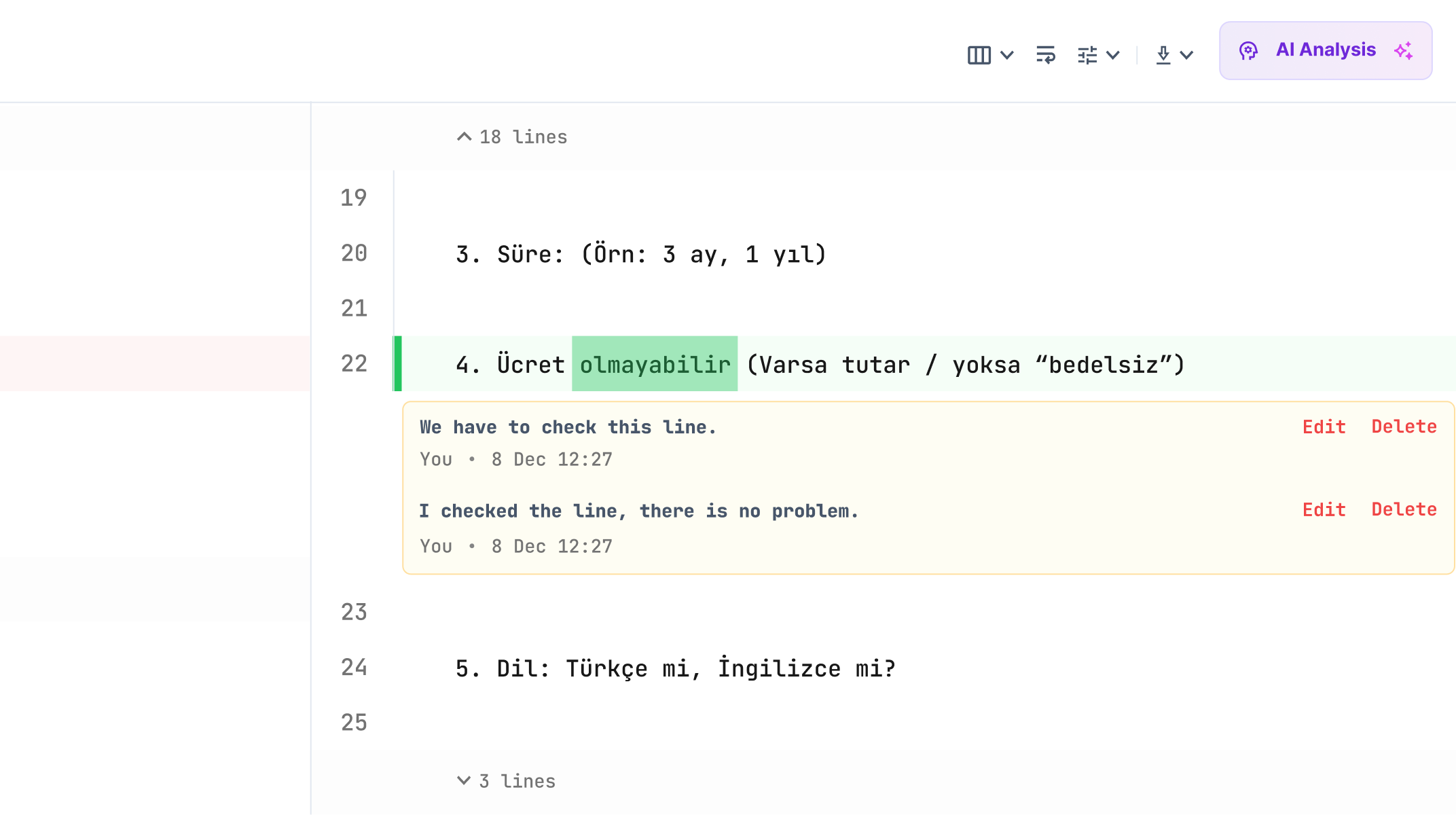
Add Comments and Collect Feedback on Diff Results
Add comments directly on each line of comparison to highlight issues, request revisions, and collect feedback in full context. LineDiff keeps all discussions tied to exact changes, making it easy to review updates, track decisions, and manage approvals across documents, code, and text files.
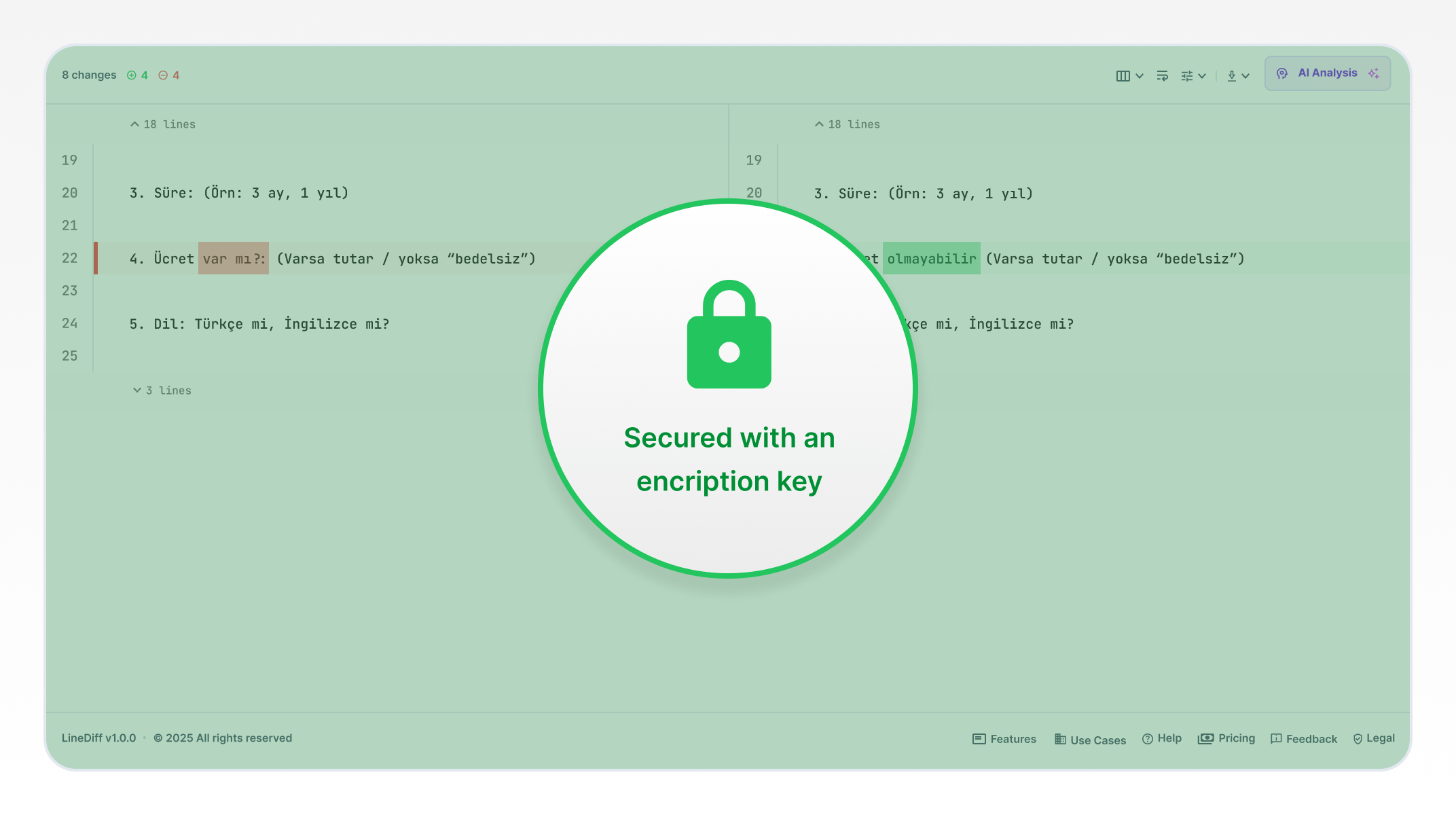
Privacy-First Encrypted Diff Comparison
Protect sensitive documents with privacy-first encrypted diff comparison. LineDiff uses advanced encryption to secure contracts, financial records, medical files, and internal data during upload, processing, and sharing, keeping your information protected throughout the entire workflow.
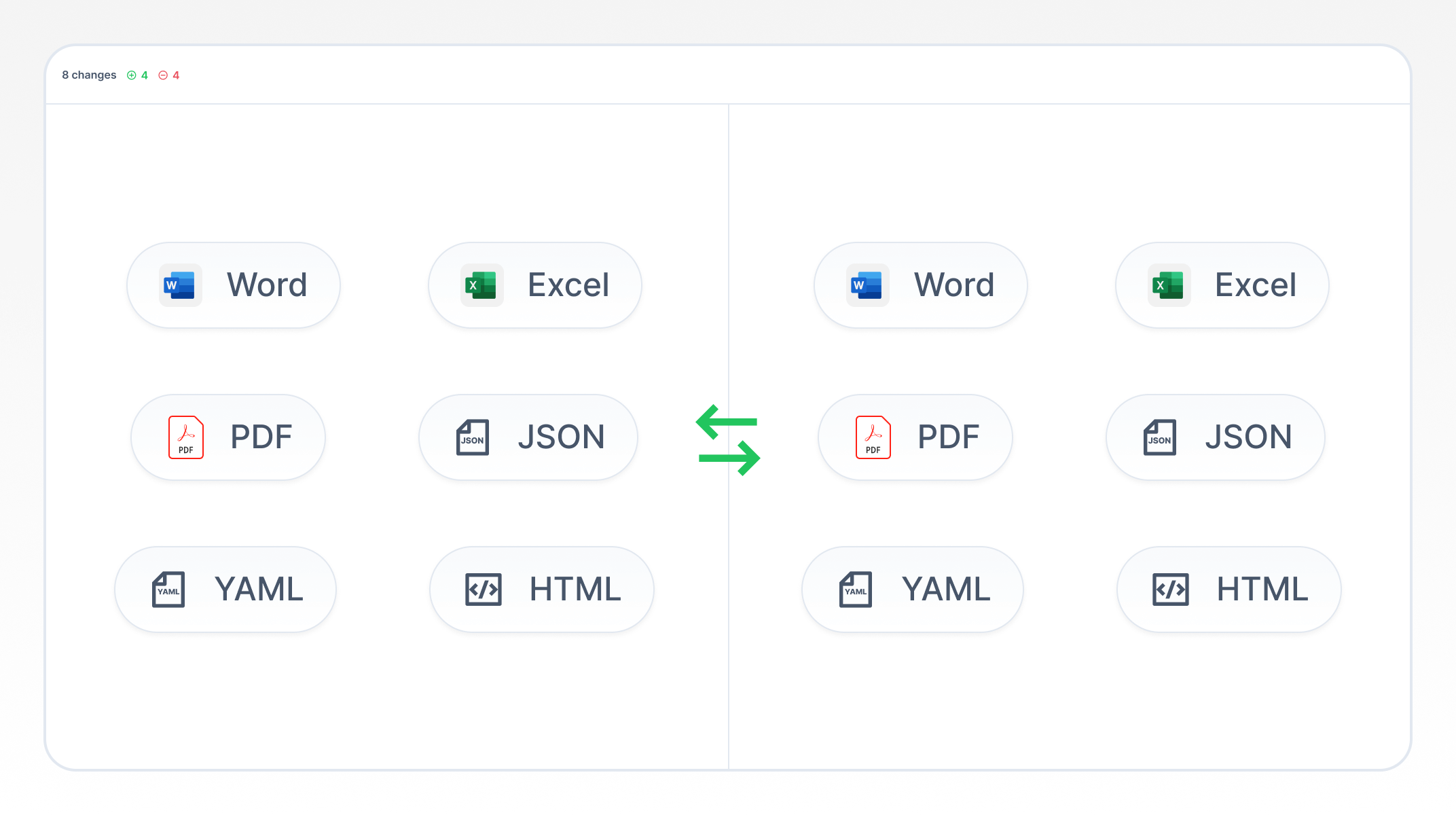
Multi-Format Document, File, and Text Comparison
Compare files across multiple formats including PDF, Word, Excel, and plain text within a single unified workflow. LineDiff makes it easy to analyze changes across diverse document types for legal, financial, publishing, and technical use cases without switching tools.
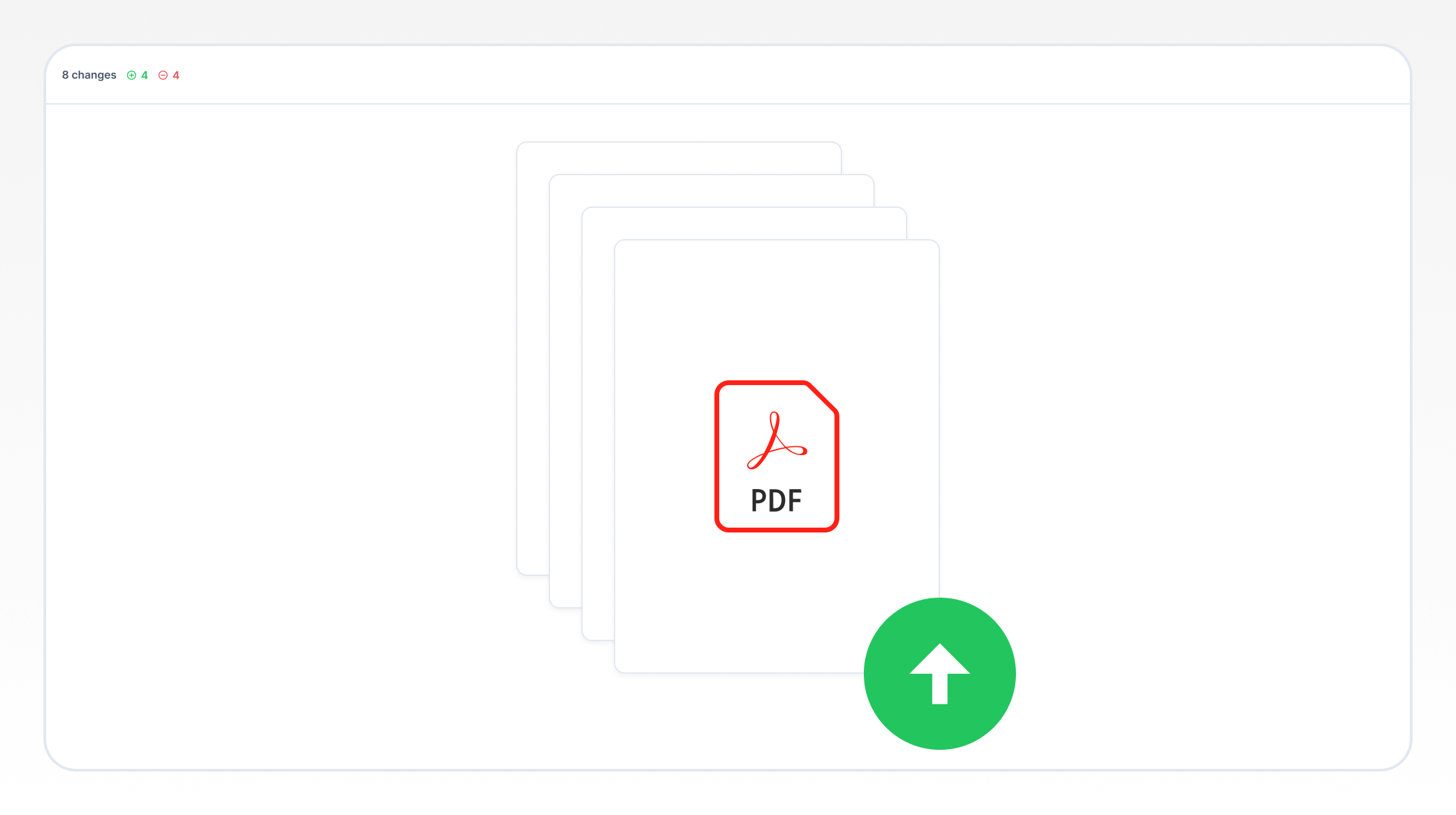
Export Diff Results as PDF, Excel or Word Files
Export your diff results as clean, well-formatted PDF, Excel, or Word files for documentation, reporting, and sharing. LineDiff makes it easy to create readable comparison outputs for presentations, stakeholder reviews, and client reporting without extra formatting work.
Integration & Sharing
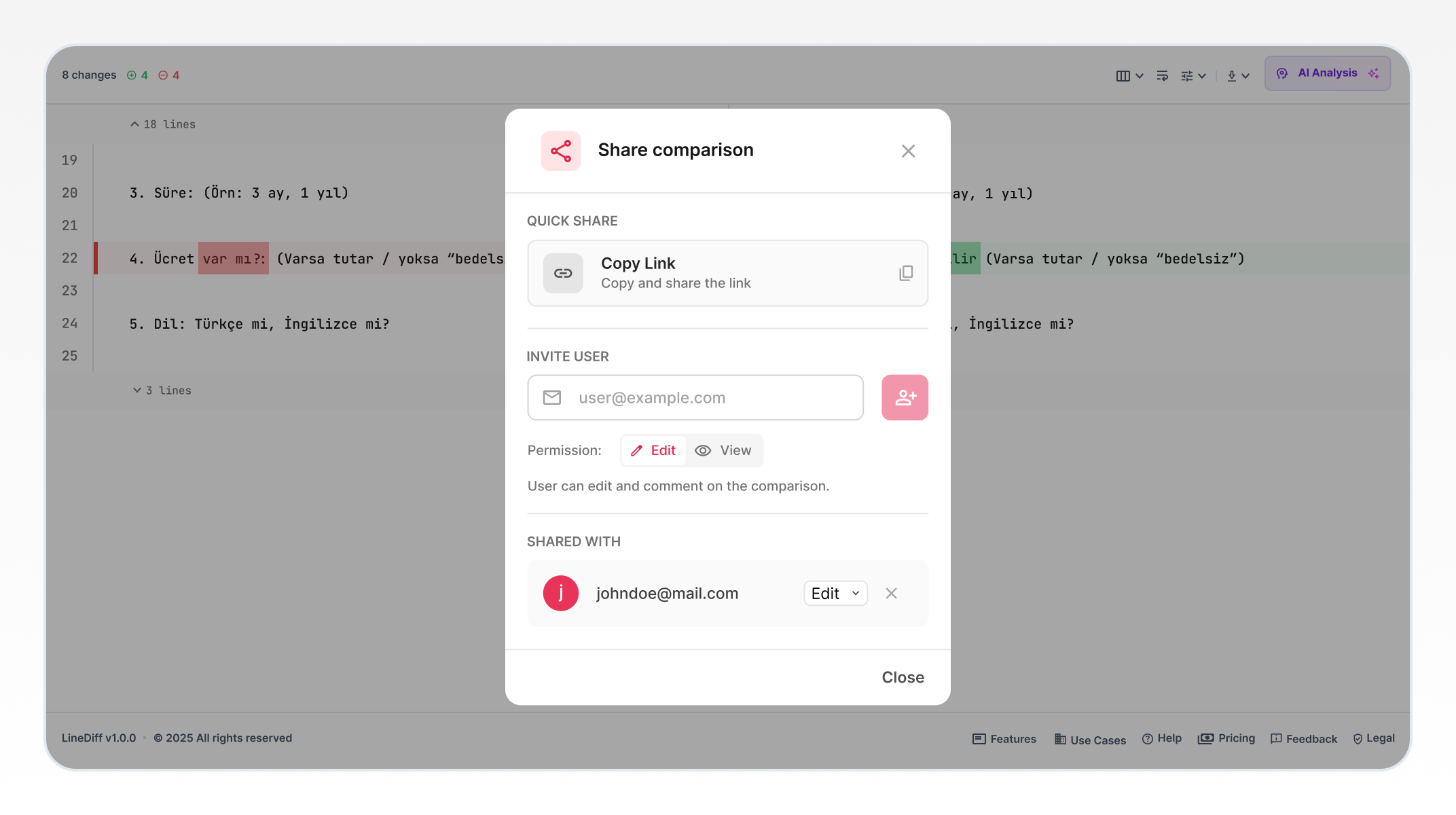
Real-Time Team Collaboration on Comparison Results
Collaborate on comparison results in real time by securely sharing diffs, adding comments, and discussing changes directly on results. Review documents together, reduce misunderstandings, and speed up feedback across text, code, and files with shared context.
Compare Tools
PDF, Word, Excel, JSON, YAML, CSV, XML, Markdown
Use Cases
Legal, Finance, Academic, Software & more
Plans & Pricing
Start free, upgrade as you grow
Level up how you review critical documents
Try LineDiff now to quickly compare text, code, or files and spot differences instantly.
Try It Now